Proof of planting: how we verify every tree
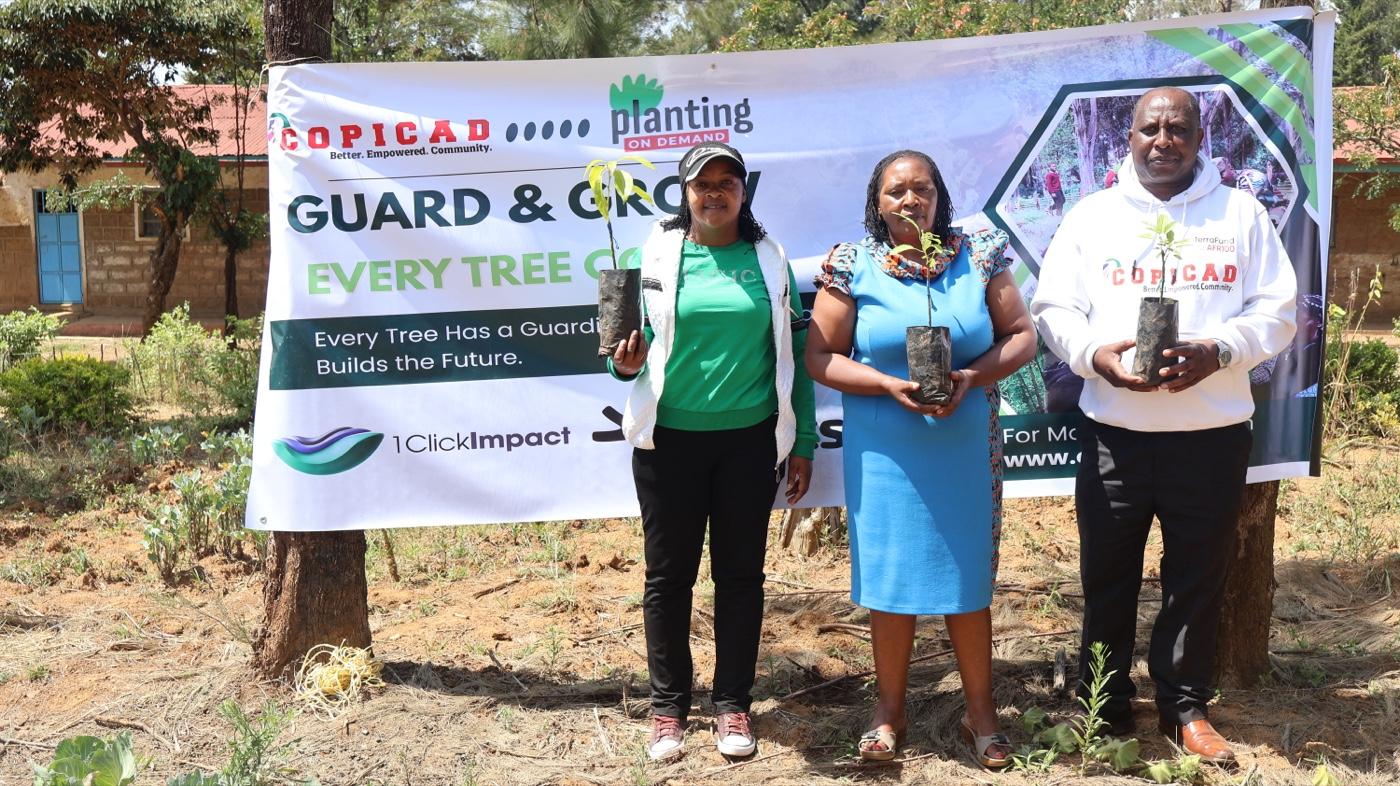
Every tree planted through 1ClickImpact is planted by a named partner, such as Trees for the Future, Dream International or COPICAD, on a project with known coordinates and species in one of 9 countries. You get photos or video from the site, a certificate anyone can open, and a public profile with your totals. This page explains each step, what is recorded at each level, and what we do not claim.
- Every field below comes from GET /v1/track
- Certificates and profiles open without a login
- Coordinates and species per site, records per impact


 real impact, on record
Impact Certificate
Awarded to
Sample Customer
Impact made possible by
 Your Brand

Trees Planted
10 food trees
Sample project site
Sample impact partner
August 19, 2026
follow it yourself
Scan the code or click here to track your impact
Certificate issued by

On August 12, 2026
Certificate No: SAMPLE-CERTIFICATE
for every impact
Six stages, each one a field on the record
Every tree goes through these six stages, and each one writes to the same record. Pick a stage to see the lines it adds.
- ›"tracking_id": "U1234-2025-03-12T15:22:14.753Z",›"impact_initiated": "2025-03-12T15:22:14.753Z",›"tree_planted": 10,›"category": "food",›"metadata": { "order_id": "ORD-456", "source": "shopify" },
- ›"donation_available": "2025-03-22T23:44:02.121Z",›"donation_sent": "2025-03-26T20:11:17.707Z",›"assigned_agent": "Planting On Demand",
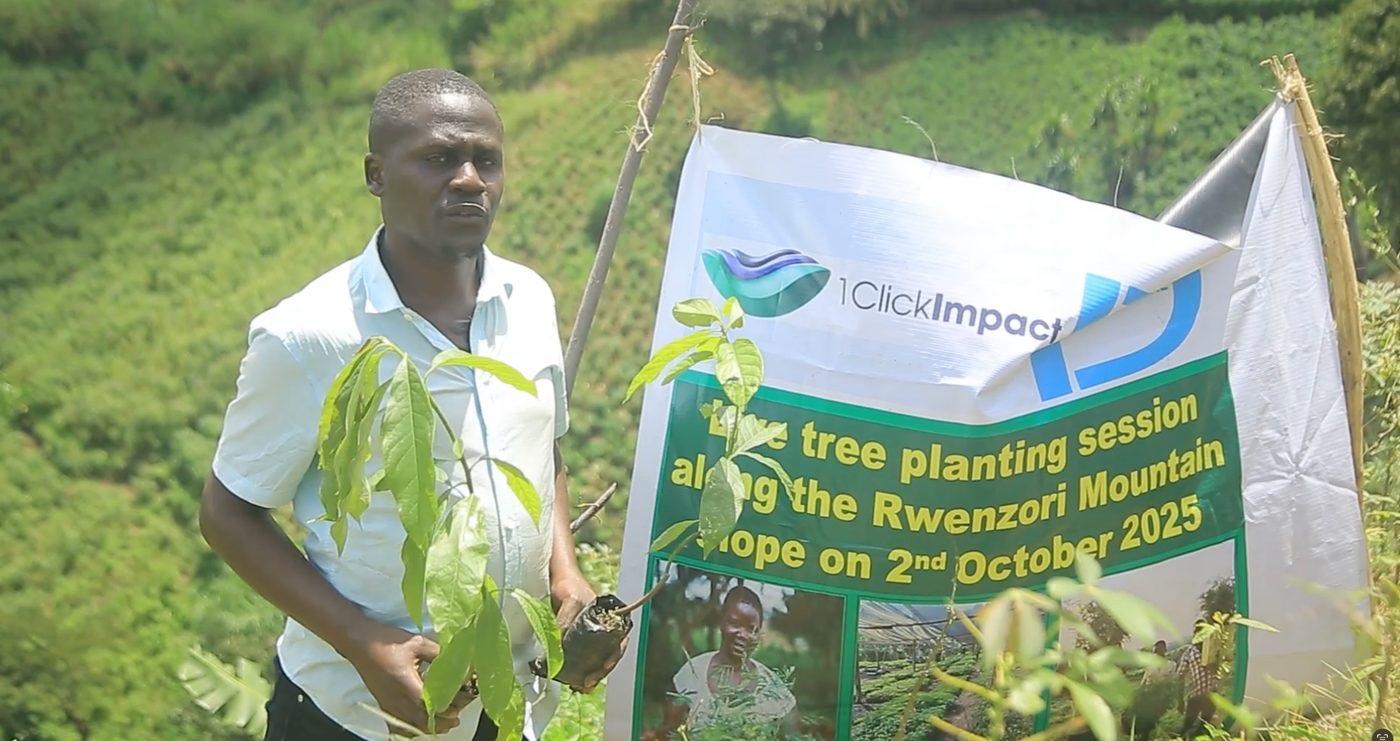
- ›"project_location": "Rwenzori Mountains, Uganda with Dream International.",›"project_id": "trees-uganda-di",›"location_map": "https://www.google.com/maps/embed?pb=…",
- ›"impact_completed": "2025-04-16T13:00:00.000Z",
- ›"impact_video": "https://meet.google.com/ynx-sgcq-dbd",›"live_session_date": "2025-04-16T13:00:00.000Z",
- ›"certificate": "https://1clickimpact.com/certificate/U1234-2025-03-12T…",
What is recorded, and at what level
Three levels, each with its own record. A certificate is issued per impact, coordinates and species are recorded per site, and totals are kept per business.
Per impact
One API call, order or gift- Tracking ID
- Number of trees
- Category
- Initiated, funded, sent and completed times
- Partner
- Project
- Your metadata
- Certificate link
- Video or live session
Read it in: GET /v1/track, webhooks and the certificate
Per project site
One planting location, with the project behind it- Project name and description
- Planting partner
- Coordinates and map
- Country
- Species planted
- Planting photos and video
- Progress against the project goal
- UN SDG tags
Read it in: GET /v1/projects and the climate projects page
Per business or customer
Everything one account has funded- Running totals by impact type
- Species breakdown
- Every project and country funded
- Downloadable PDF report
- Branded emails with each certificate
Read it in: The public impact profile, your dashboard and the customer's tracking link
What we do not claim
Four things that are often left vague. We would rather state them clearly.
No GPS pin per seedling
Coordinates and species are recorded for each planting site, not for each individual tree. We say so, instead of calling a site record per-tree tracking.
Not a carbon credit
A tree planted through the API is a tree. It is not a carbon credit and we do not sell it as one. Carbon removal is a separate impact type with its own partners and records.
Completion follows the partner's calendar
Trees are planted in the partner's planting season, so a record can stay at donation_sent for weeks before impact_completed is set. A webhook tells you when it happens.
Nothing is claimed for a customer
Case study totals come from each business's public profile. We do not publish any quote the business has not approved, or any figure it cannot see on its own dashboard.
Four ways to verify without asking us
Everything in the chain is a public URL or an API field. Here is how to check each one yourself.
- 1
Open a certificate
Every certificate URL is public. Open one from a record, or ask any business that plants with us for one. It shows the partner, the project, the dates and the number of trees.
- 2
Call the Track API
Call GET /v1/track with a record's user_id and time_utc to get its full history as JSON. The sandbox returns the same fields, so you can see them before spending anything.
Track API reference - 3
Open a public profile
The profiles below are live pages. Totals, species and projects update as each business plants.
See the profiles - 4
Join a live planting
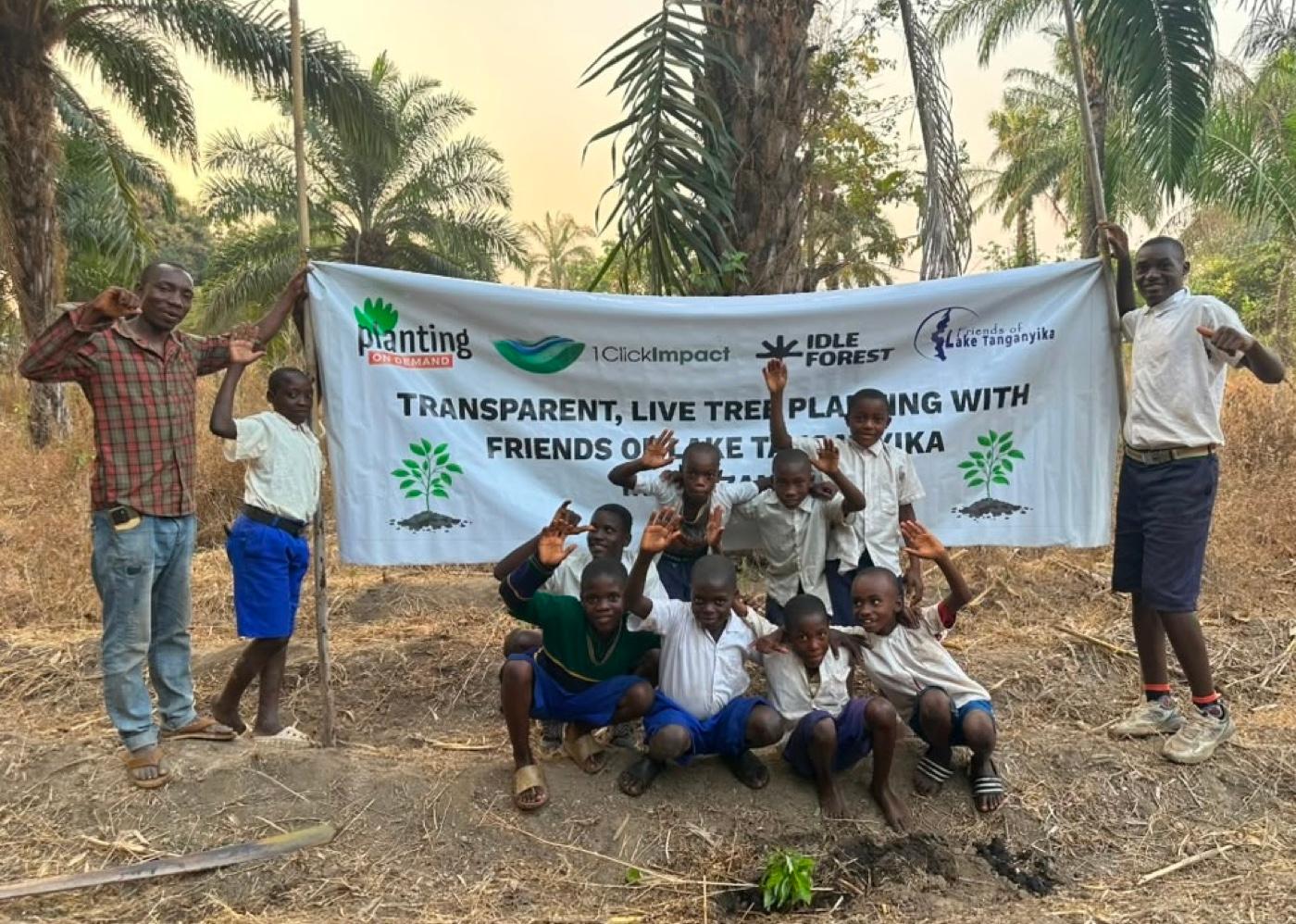
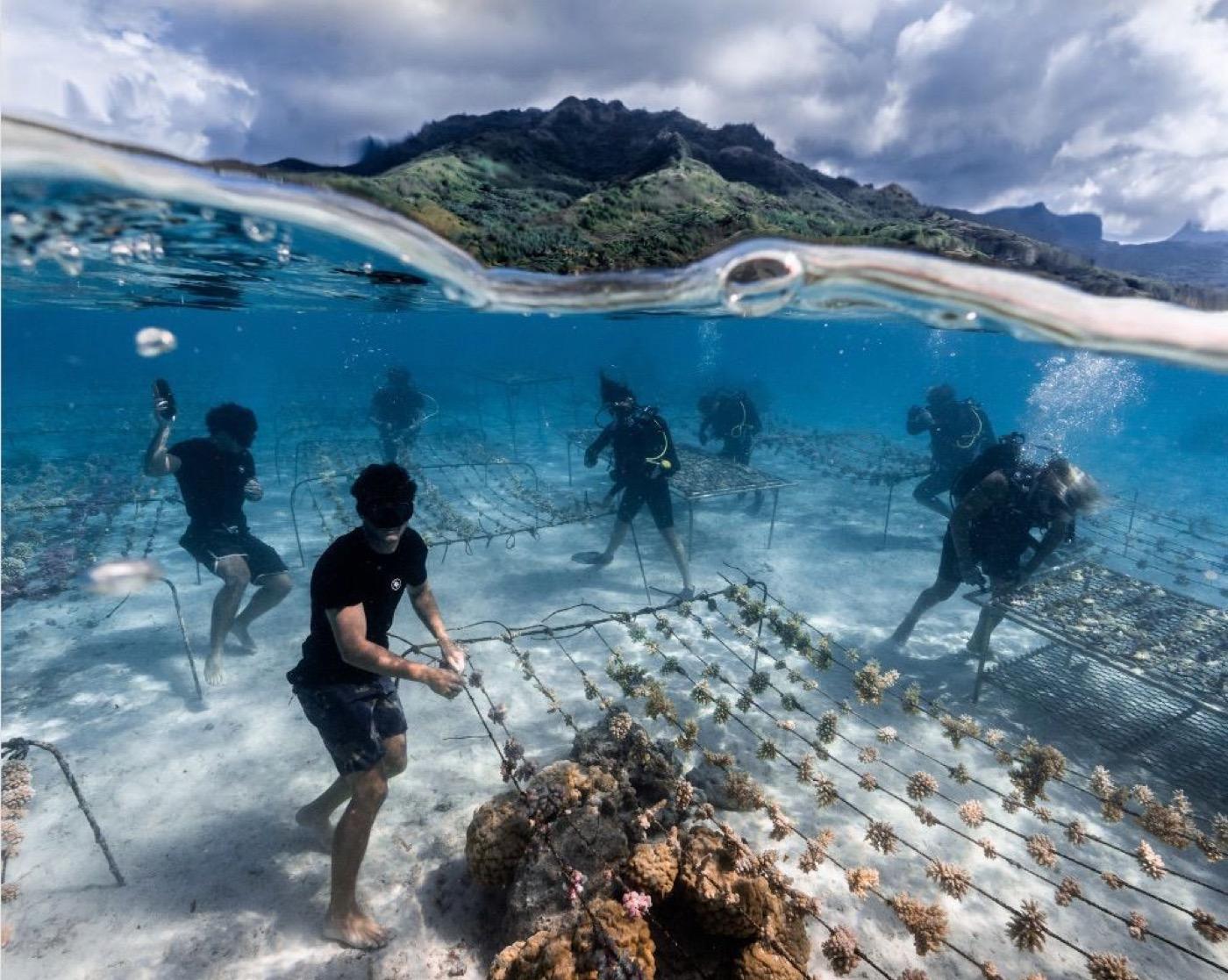
Plant a food tree and the record includes the date of a live session. You or your customer can join it and watch the planting team at work.
Live sessions on the business page
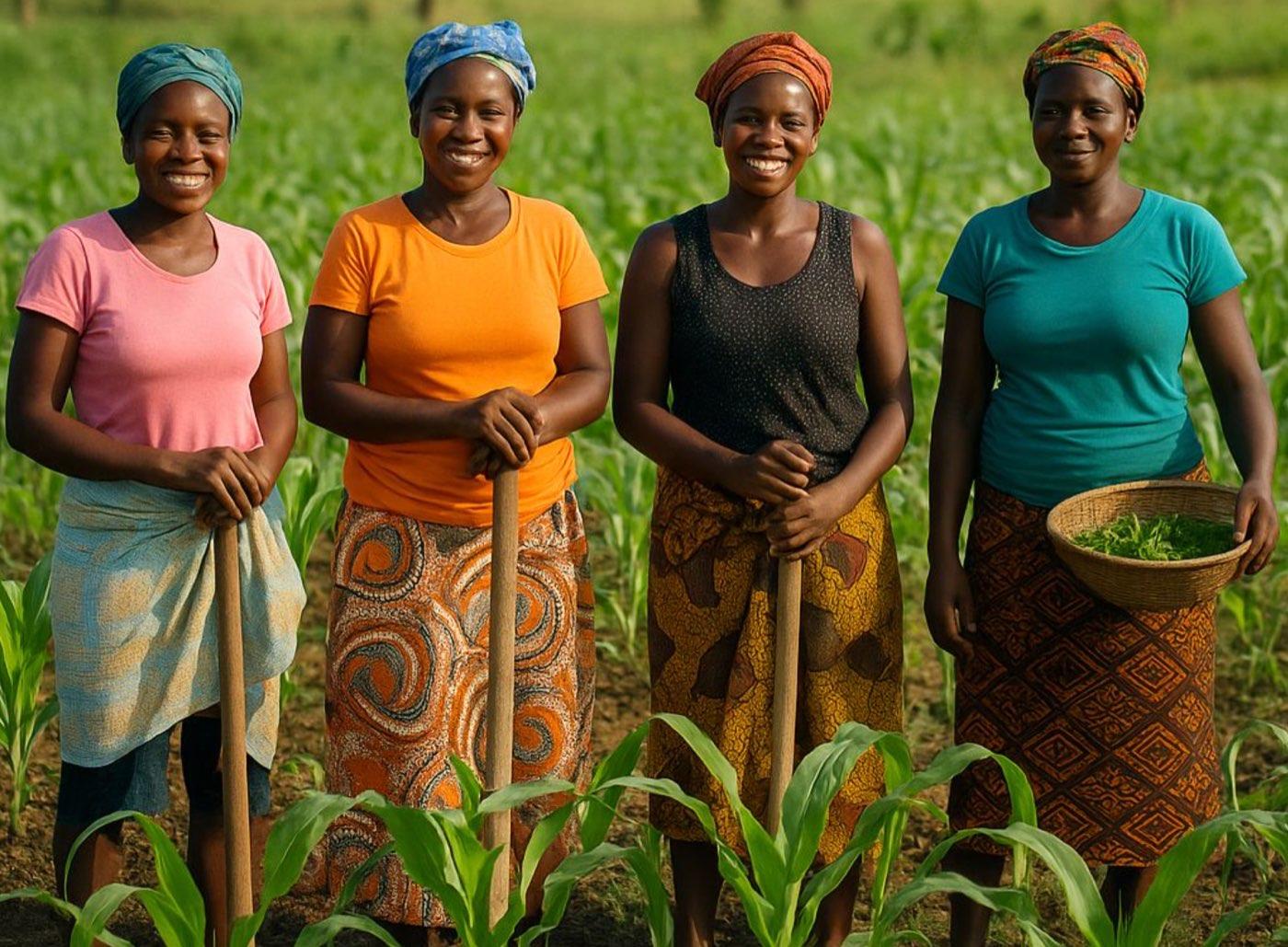
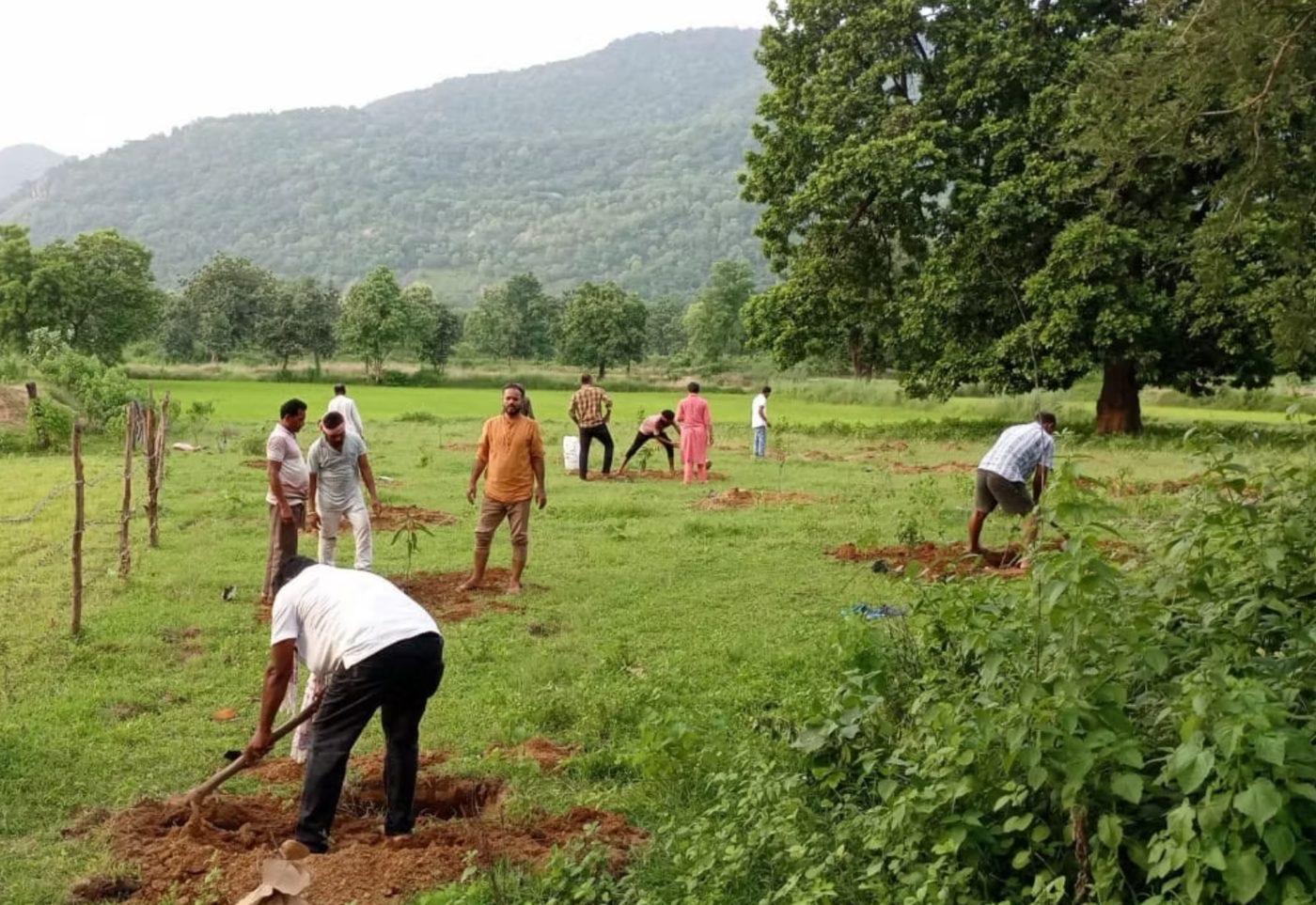
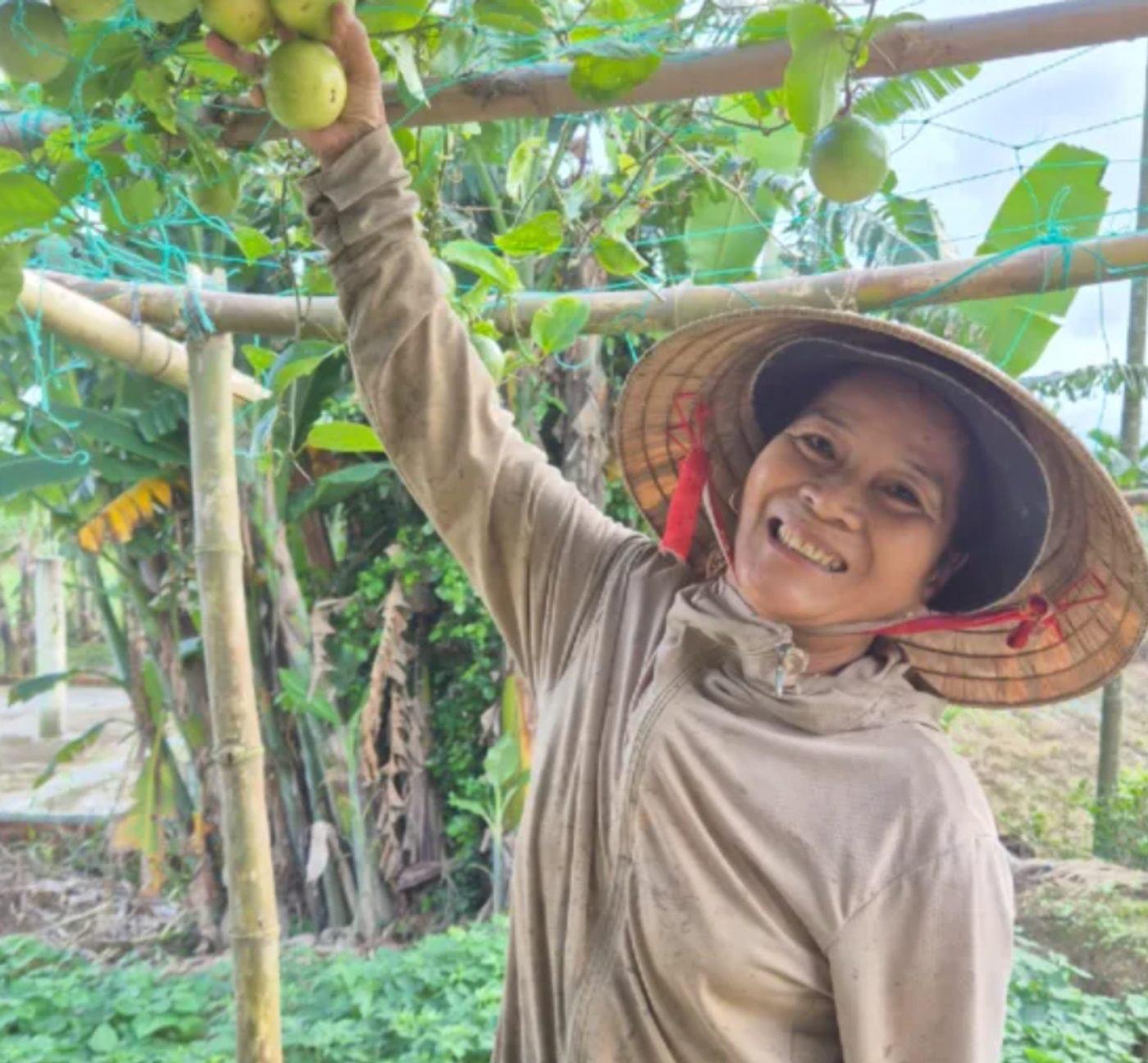
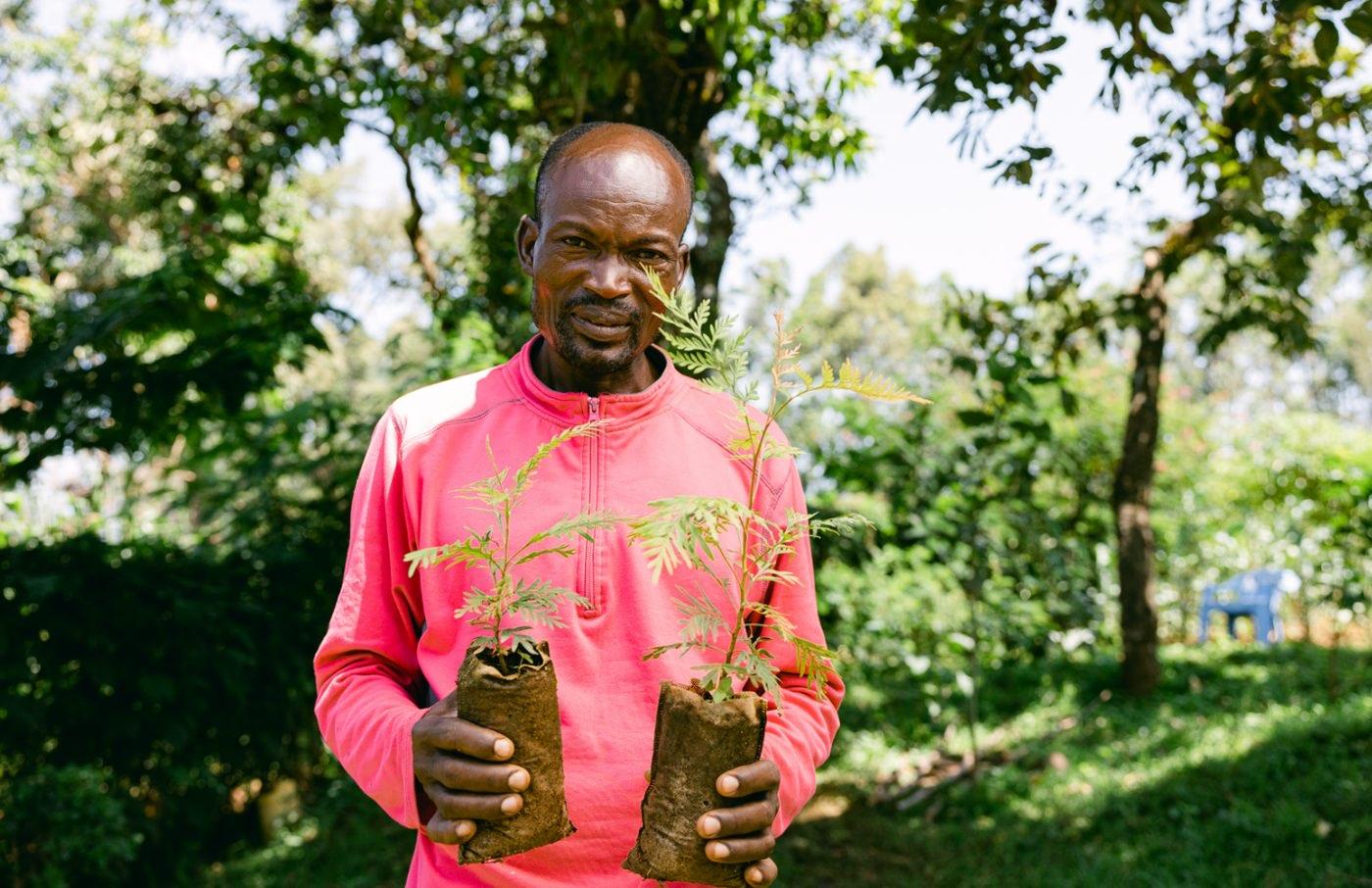
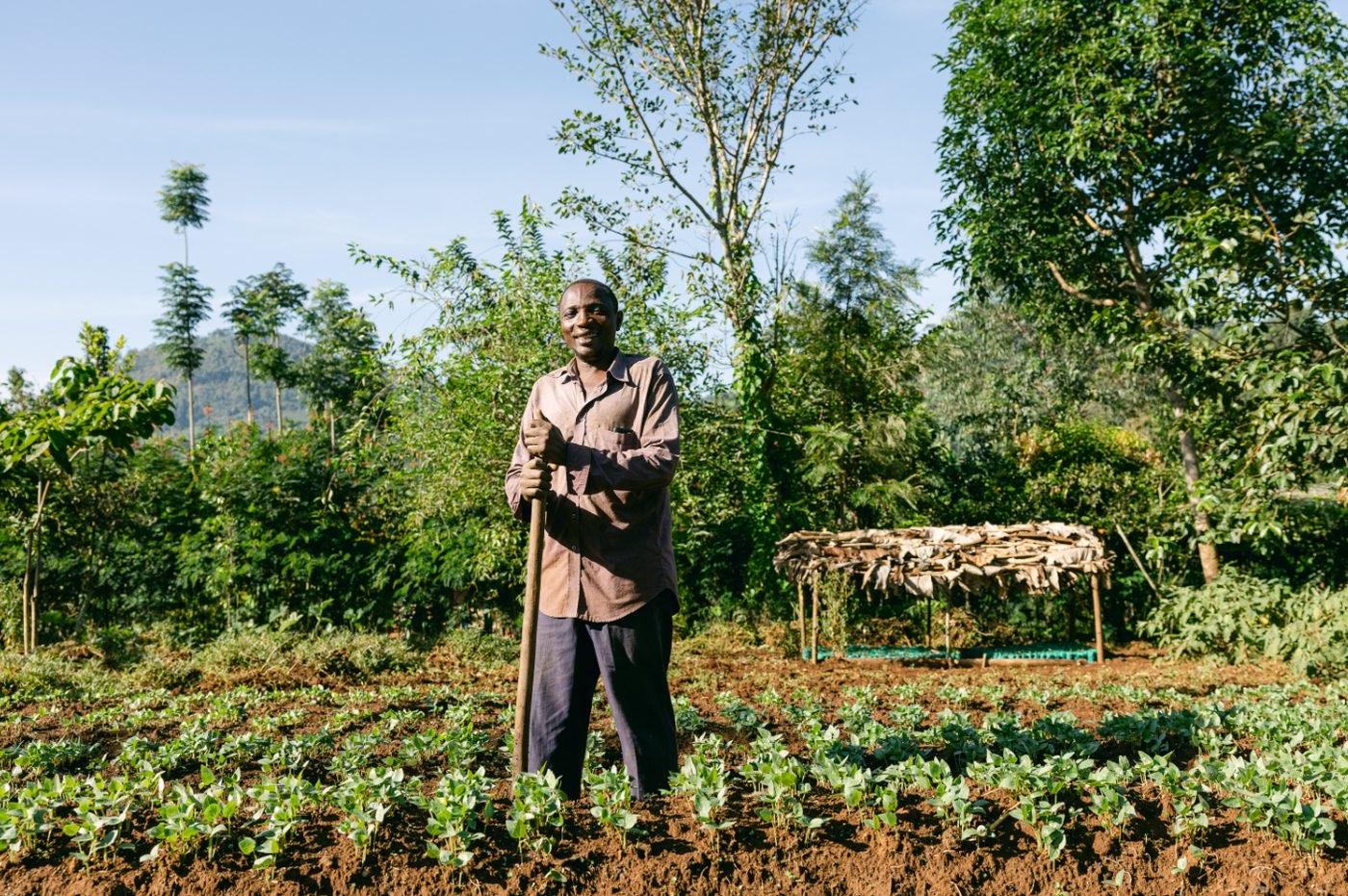
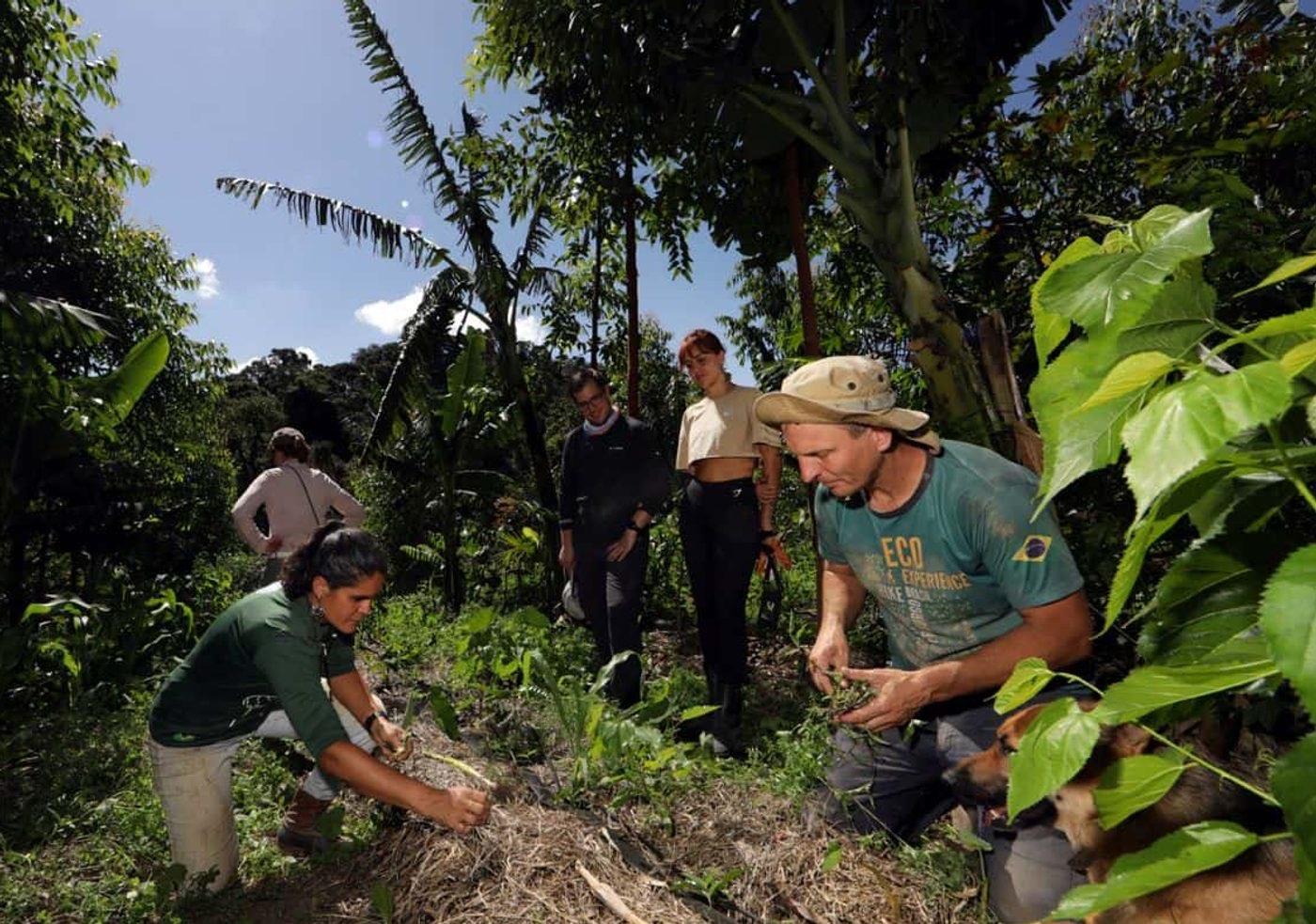
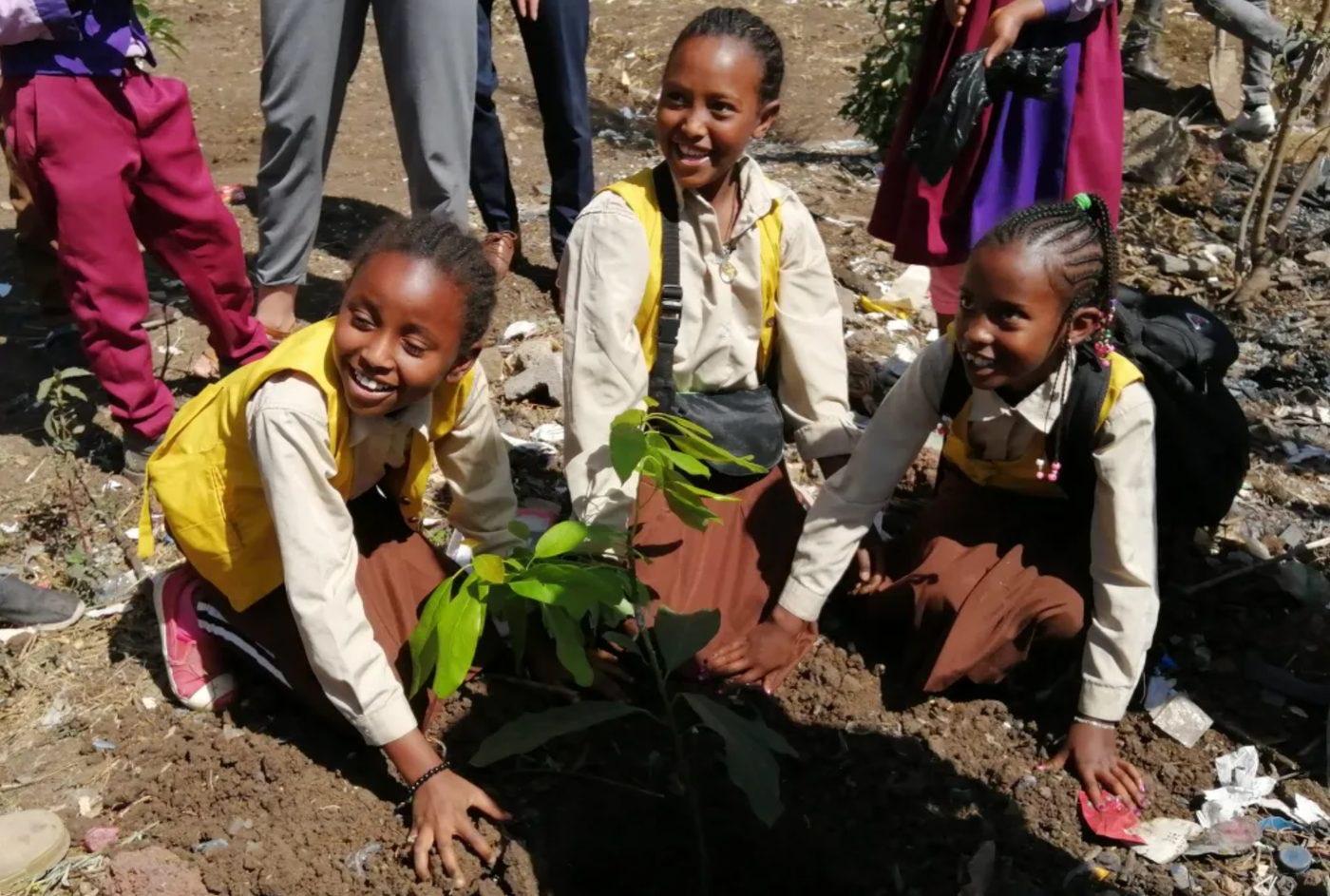
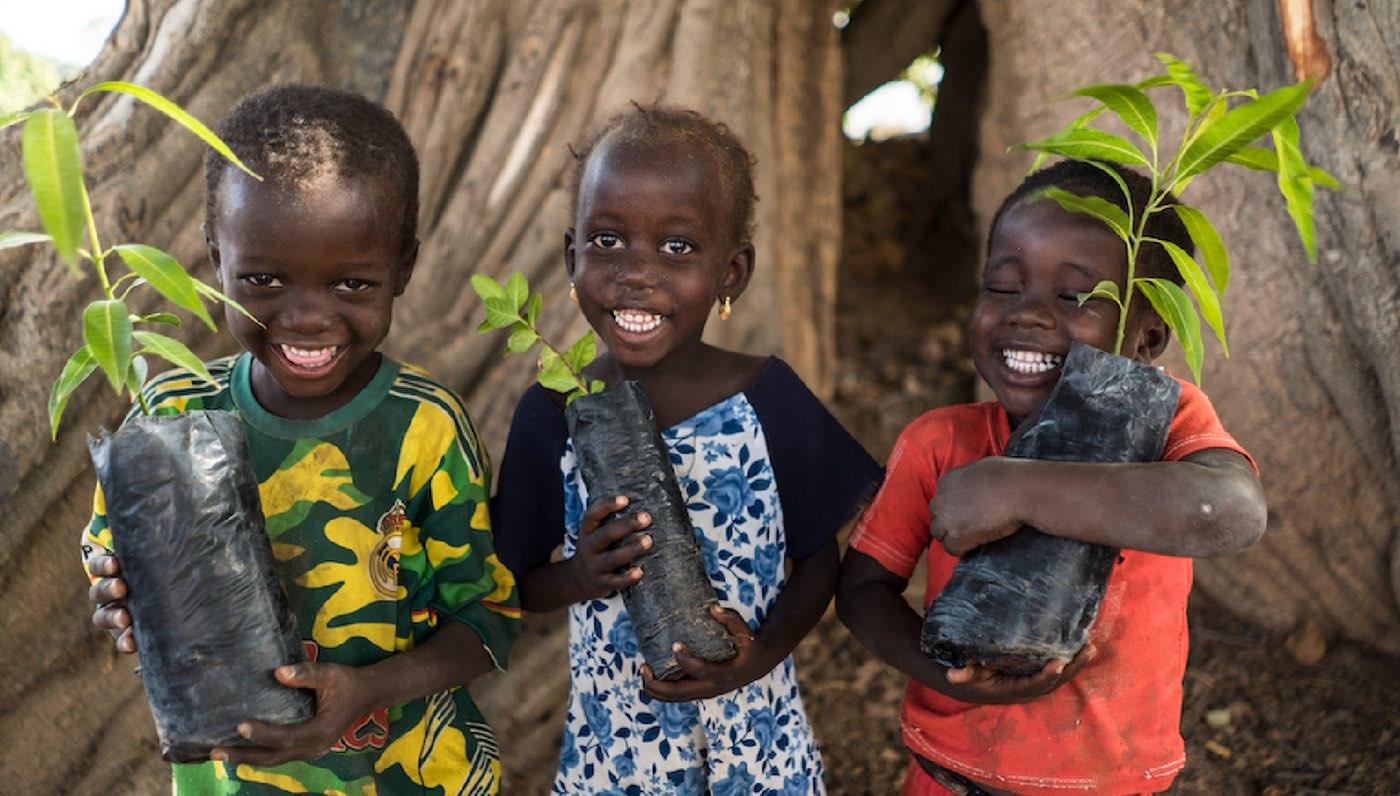
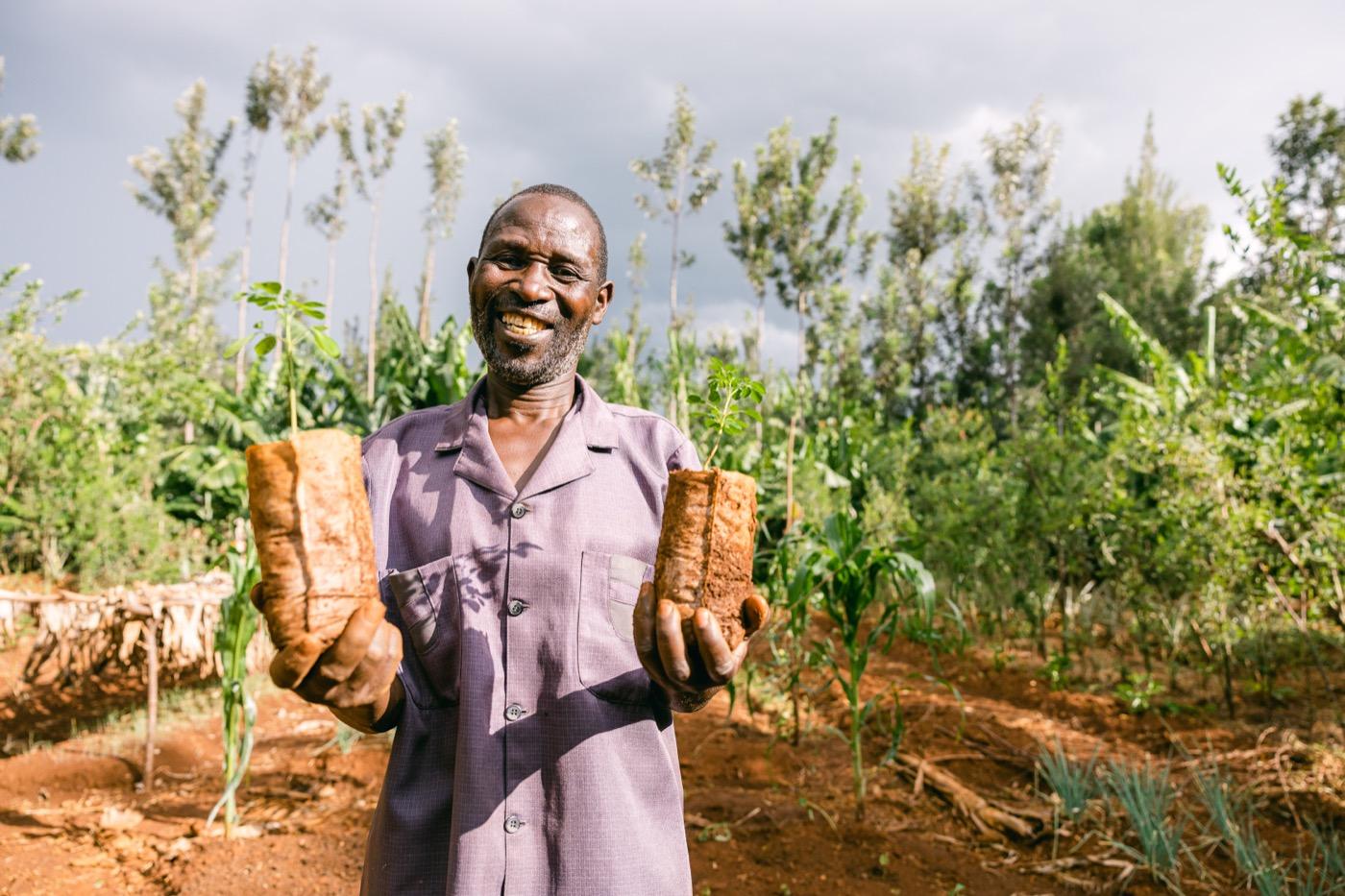
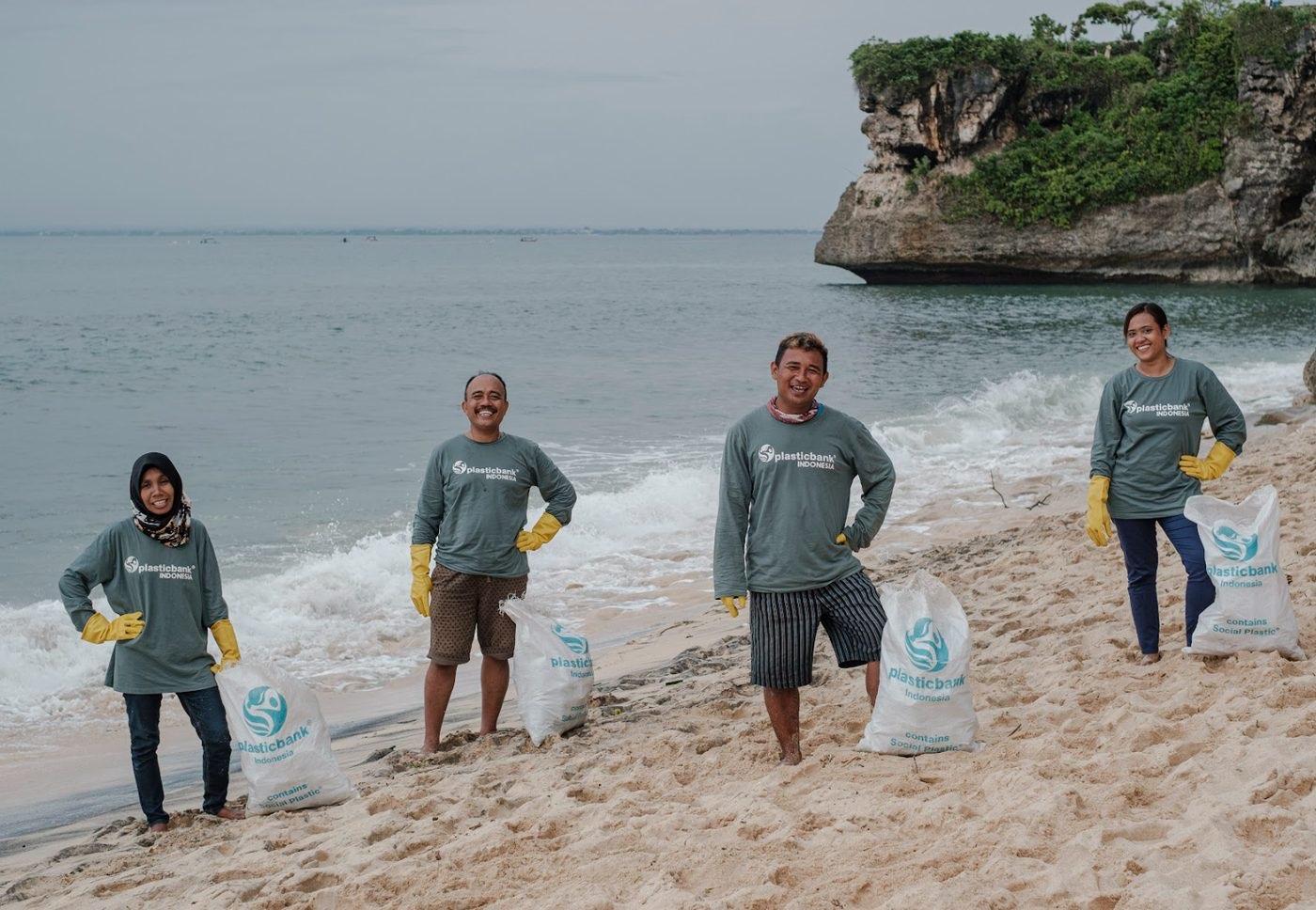
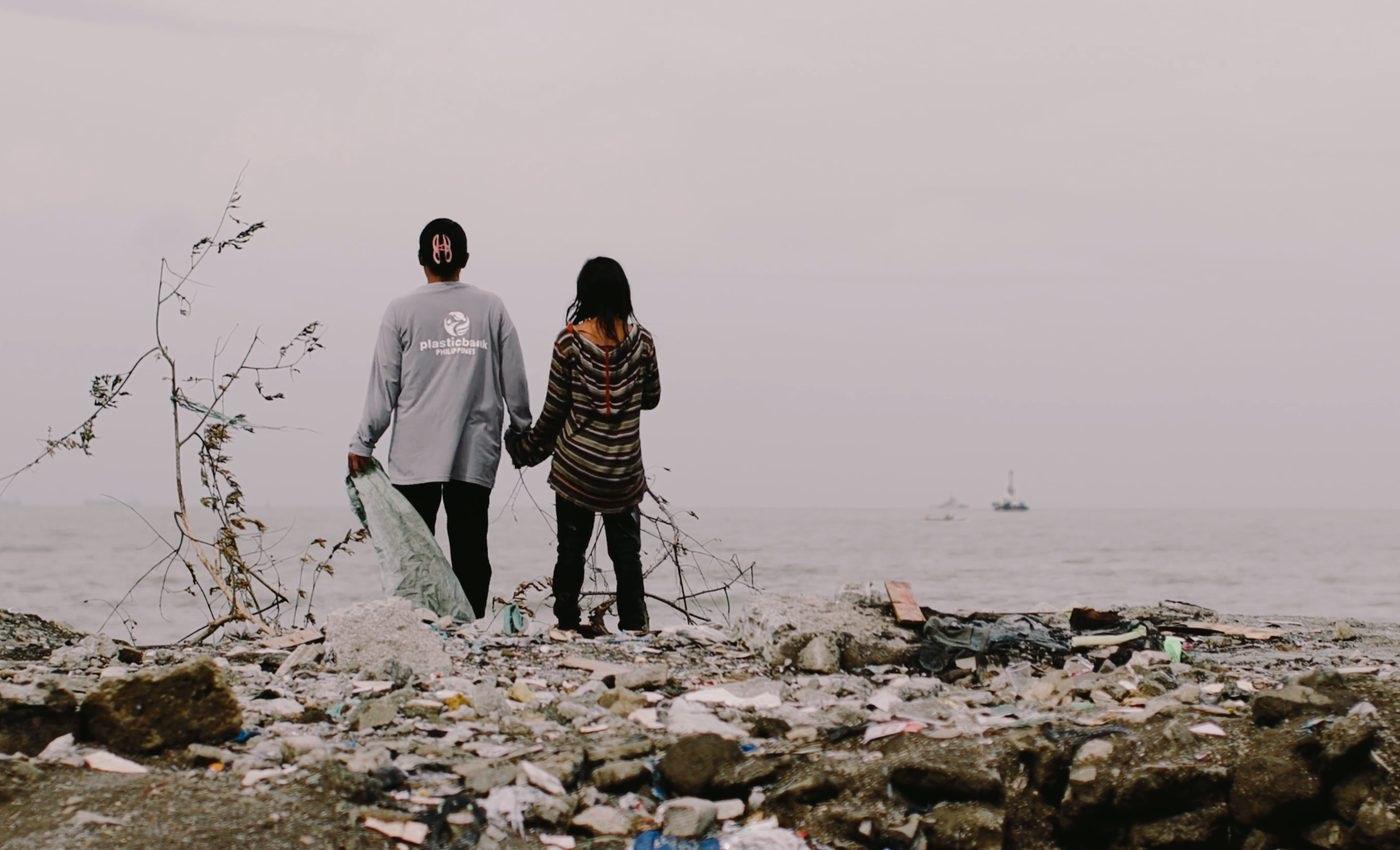
The projects every record points to
Each planting project with its partner, country and progress. Every record's project_id points to one of these.



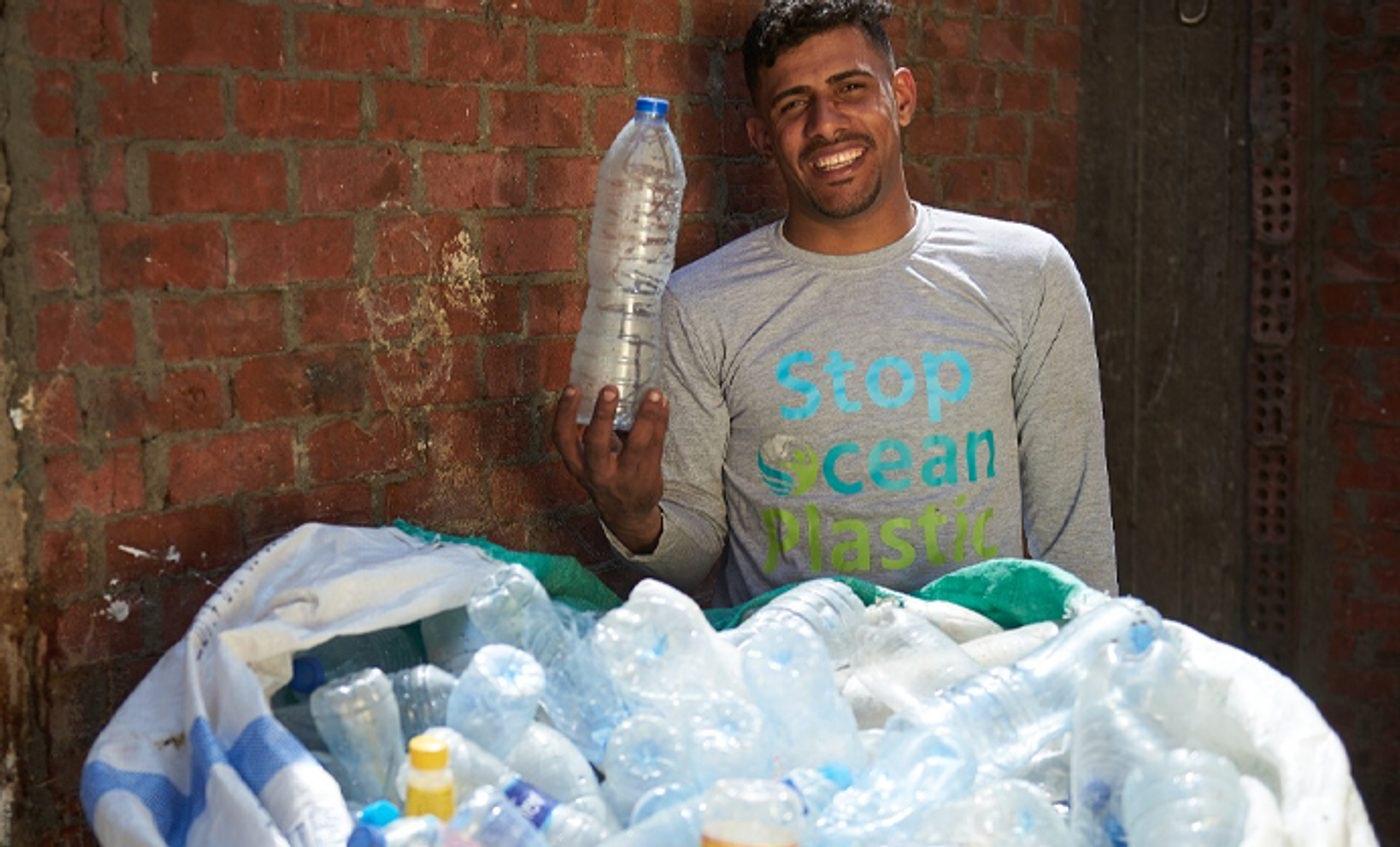
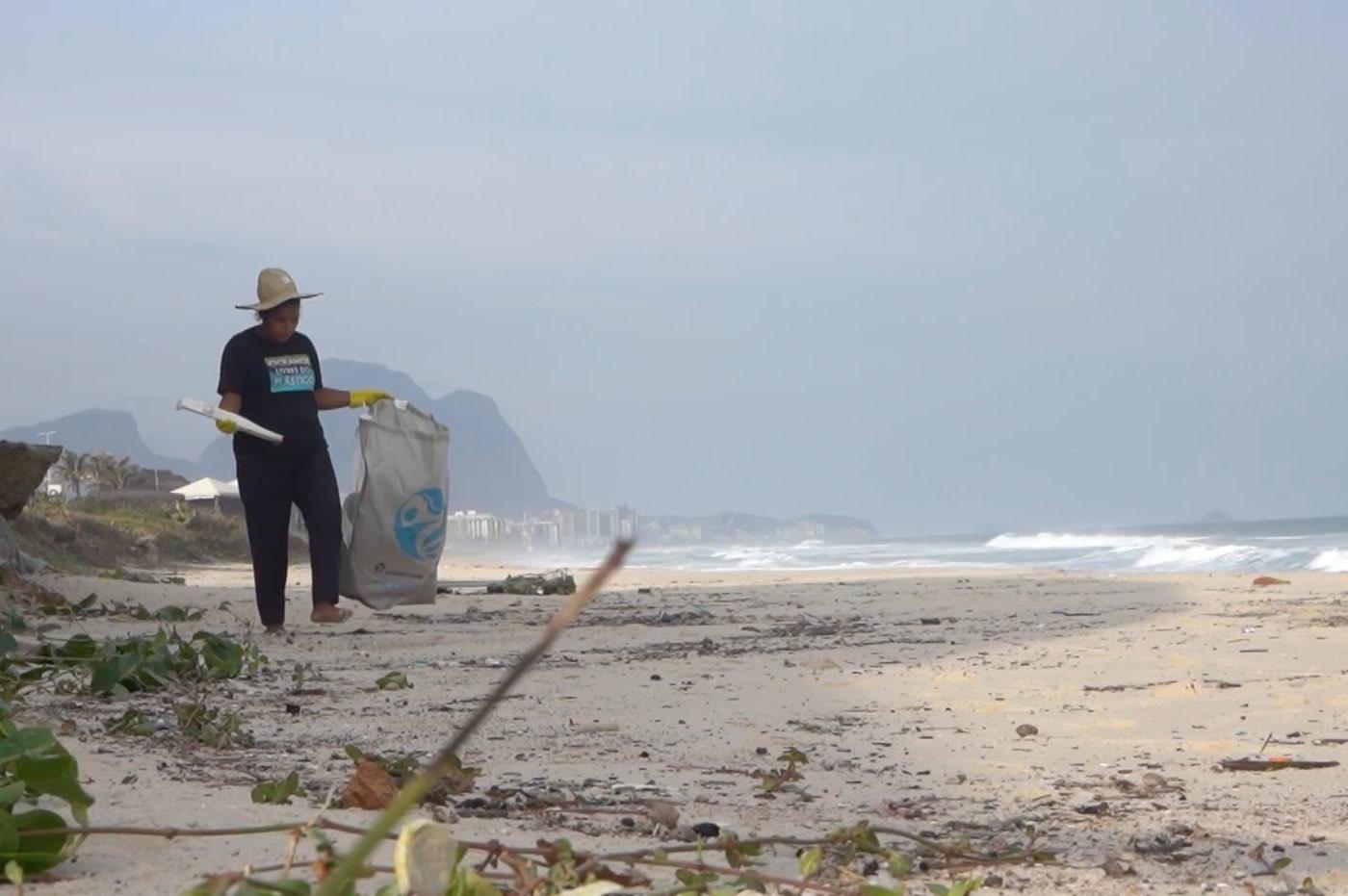
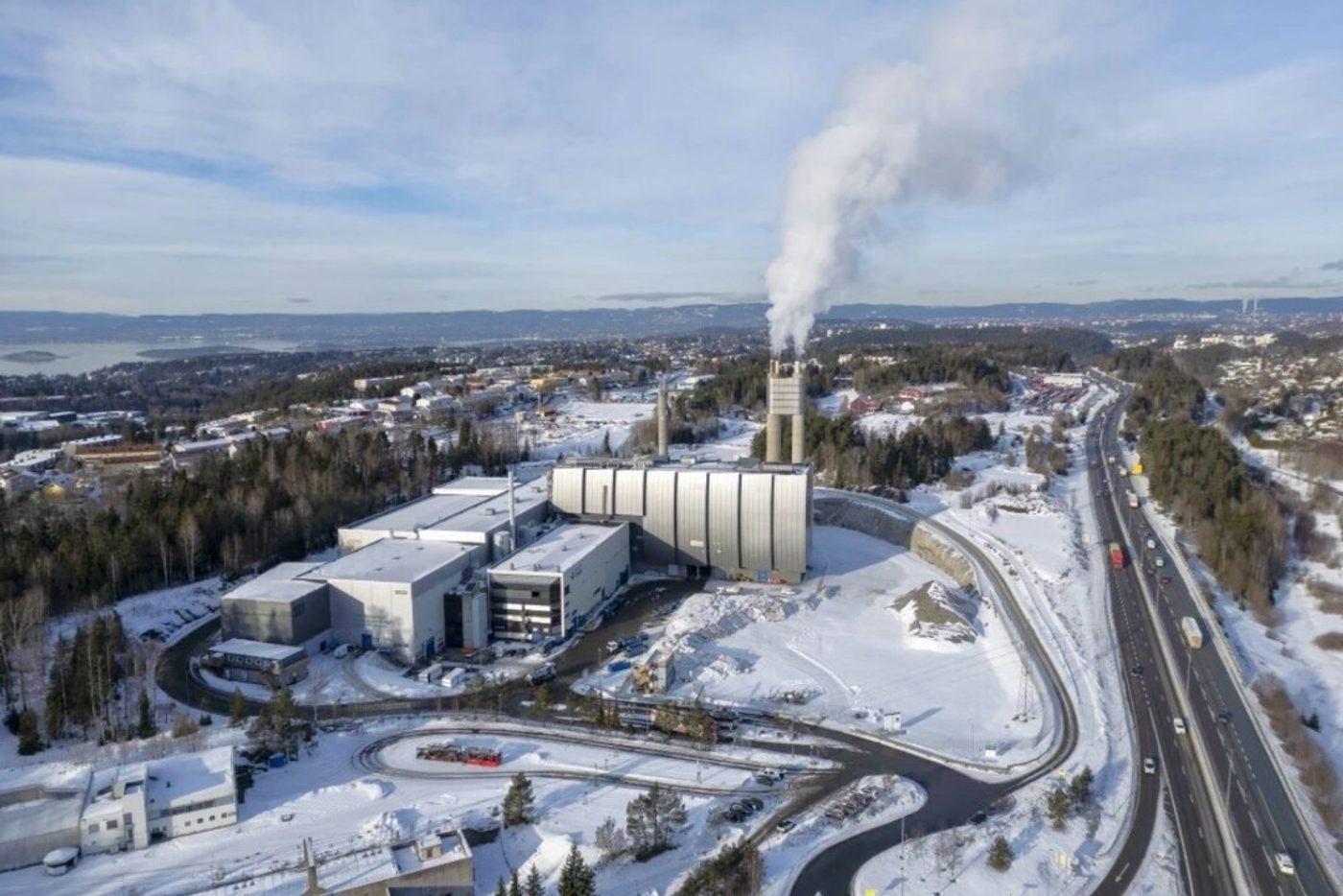

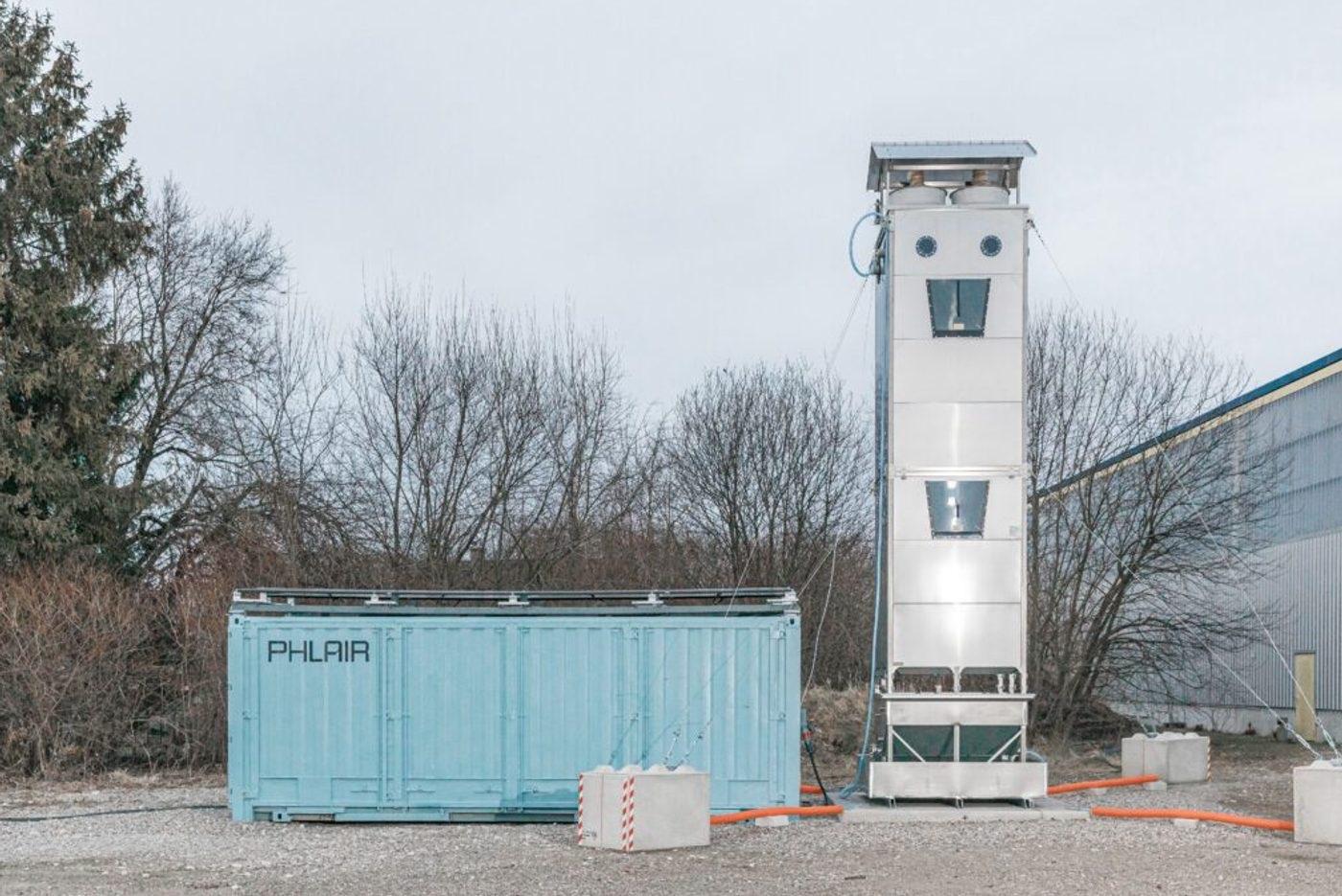


Public profiles you can check today
Six businesses publish their impact on a live page. Open any of them. The totals, species and projects update as they plant.
New York, USA
Free online memorials that plant a tree for someone remembered
Open profile
Lisbon, Portugal
Desktop app and extension that turn spare bandwidth into trees
Open profile
New York, USA
Pays you for unused internet and plants trees when you cash out
Open profile
United States
Graded comic books bought, sold and taken on consignment
Open profile
Incident response training tailored to each security team
Open profile
AI characters to chat with, for roleplay or storytelling
Open profile
Frequently asked questions
Common questions about the evidence. If yours is not here, contact us.
No. Coordinates and species are recorded for each planting site, and every impact record names the site where the trees went, with a map. A certificate points to a real place you can check, not to an individual seedling.
In three ways. The record shows the money being sent to a named partner, such as Trees for the Future, Dream International or COPICAD. The partner then confirms the planting, which sets the impact_completed time on the record. Photos and video from the site are published on the project page. For food trees you can also watch a live planting session.
Yes. When you include customer_email, the customer receives a branded email with a certificate link and a tracking link. Both open without logging in and show the partner, the project location, the dates and the number of trees. GET /v1/customer_records gives you their history for your own impact page.
The tracking ID, the number of trees and their type, the partner, the project location, the dates the impact was started and completed, the customer's name, and the brand that funded it, with your logo on the Basic and Pro plans. The certificate is generated from the record itself, so it always matches the Track API.
No. A tree planted through 1ClickImpact is a tree. We do not issue, retire or sell carbon credits for it. Any estimate of the CO₂ a tree absorbs is an estimate, not a credit. Verified carbon removal is a separate impact type, delivered through Frontier.
Yes. GET /v1/records returns every impact with its metadata, and GET /v1/track returns the history and evidence for each one. The dashboard exports a PDF report, and the public profile gives auditors a page they can open. Cancelled impacts stay on record with the cancellation time and reason.
The partner looks after its sites and sends progress photos and video, which we add to the project pages as they arrive. We do not publish survival rates, because we have not measured them.
Partners such as Trees for the Future, Dream International, COPICAD, Eco Caminhos, Green Youth Collective and Think Good Foundation, across 13 projects in 9 countries. Every project page names the partner and shows where it works.


Plant one tree and follow the record yourself
A free key and a sandbox that returns the same fields. The first real tree costs $0.40.